New SIM Card: Get started with 3 easy steps
Don't worry, if you get stuck or need a new SIM card, we're only a phone call away (888) 345-5509.
Step 1:
Activate New SIM Card
Step 2:
Remove Existing SIM Card
Step 3:
Install New SIM Card
Before you begin:
- If you purchased a new phone from Consumer Cellular, the SIM card is already installed. Login or call (888) 345-5509 to get started.
- If your device is eSIM compatible, login or call us to get started.
- Want to save your voicemails? Step-by-step instructions
- Recommended: Enable Wi-Fi calling (activating requires reliable connection). Need help? Find your phone here then search “Wi-Fi calling”
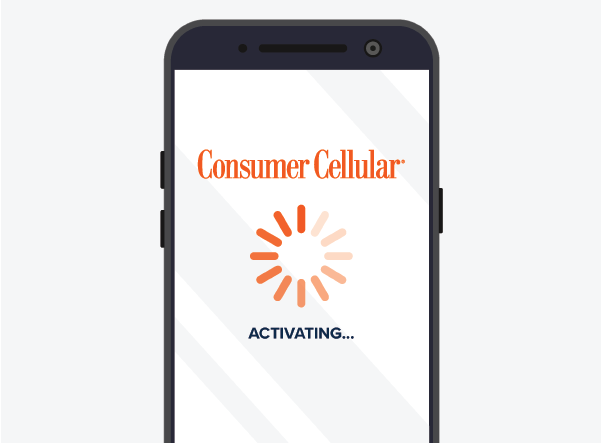
Step 1: Activate new SIM card

I received my SIM card via USPS:
Login and select ‘Activate Your Equipment’ on the top-left in the Alerts section.
Don’t have an account? Register
Get a temporary password via email and create an account.
Need help? Call us (888) 345-5509

I received my SIM card at a retail location:
Locate the activation code within your new SIM card packaging.
Can't find an activation code? No problem. Call us (888) 345-5509
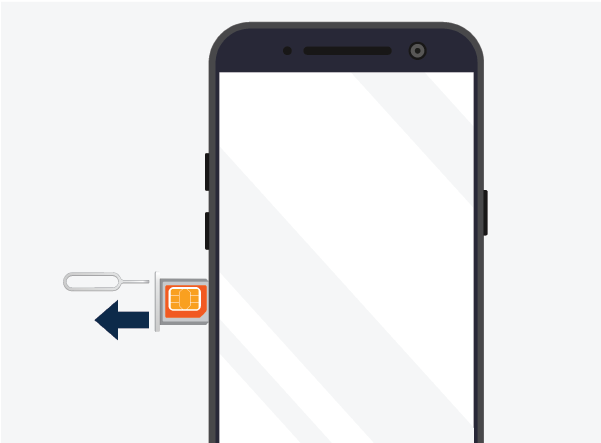
Step 2: Remove existing SIM card
After activating your SIM card, locate the SIM card slot on your phone. Head here for help finding it on your device.
Next, use a SIM removal tool (included with your SIM card packaging) to remove your SIM card. Take care not to insert the tool into the microphone.
Swap Your SIM with Steve Hopkins
Learn how to install a Consumer Cellular All-In-One SIM card on an iPhone 13.
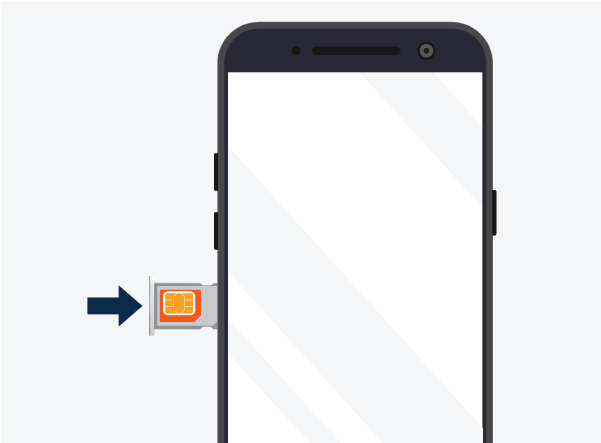
Step 3: Install new SIM card
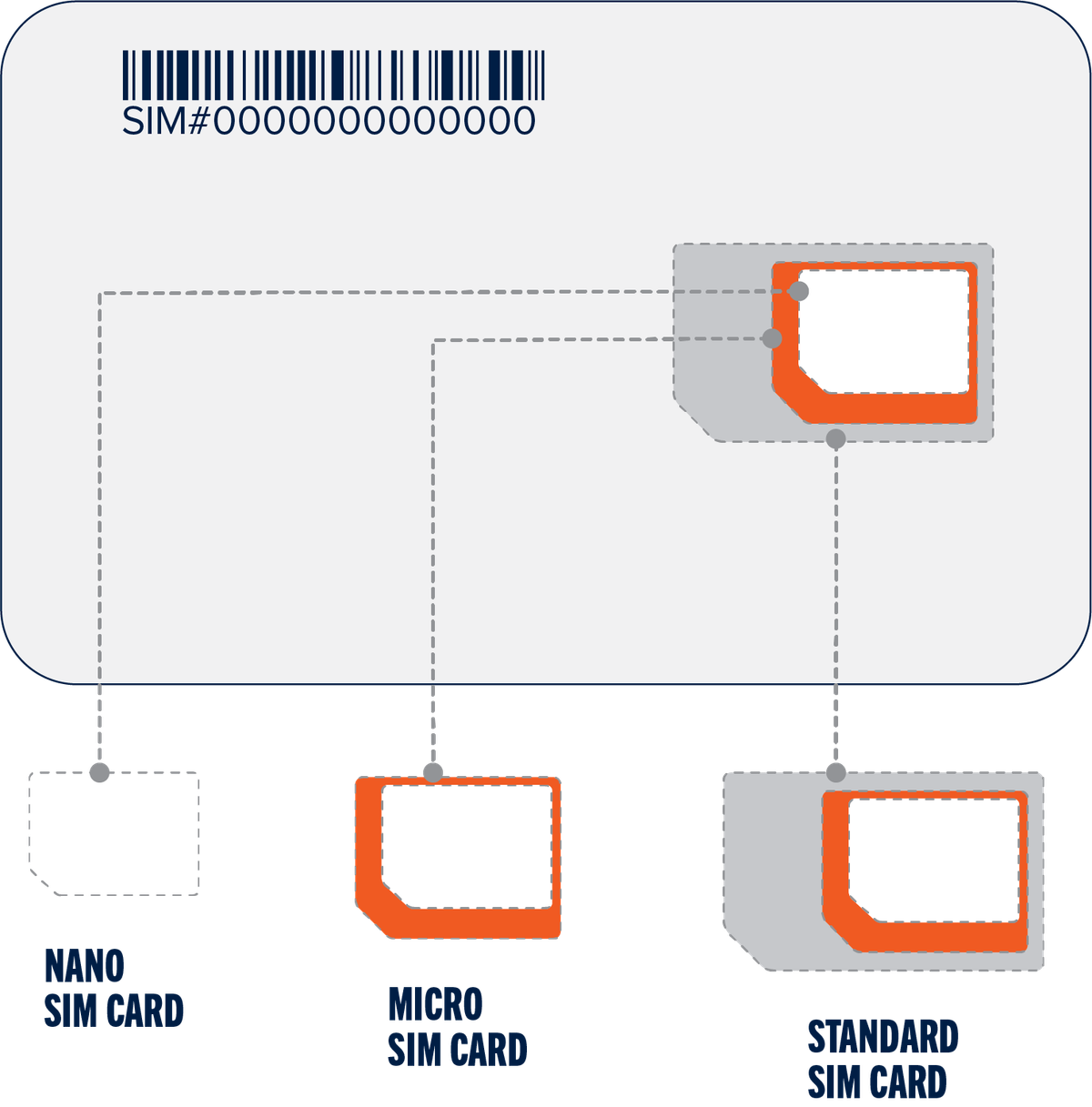
Compare the size of your old SIM card to the new ones provided, and select the same sized card. Then, install your new SIM card into your phone’s SIM card slot.
SIM CARD REPLACEMENT

Still Need Help?
Our U.S. based, award-winning customer service agents are here to help! Give us a call at (888) 345-5509.